


Release Wave 1 of 2026, version 28, became generally available on 1 April 2026, and it was one of the most consequential Business Central releases in recent memory. It wasn’t a cosmetic update. It was the release where AI agents started to move from demo to something your finance team actually depends on.
Across more than 50 new and updated features, three themes dominate:
- AI agents mature — the Expense Agent (in preview), Payables Agent improvements, and tools for building custom agents
- Core ERP gaps finally close — drop shipment independence, quality management improvements, multi-line invoice matching
- Governance and developer tooling matures — audit APIs, permission analysis, AL debugging improvements, Copilot extensibility
Here’s what V28 delivered, and where a feature’s status changed afterwards. Version 29 followed in October 2026; for what it added, see What’s New in Business Central 2026 Release Wave 2.
The Headline: AI Agents Go to Work
The 27.x releases brought the first autonomous agents, and the Payables Agent became generally available in November 2025. Version 28 built on them.
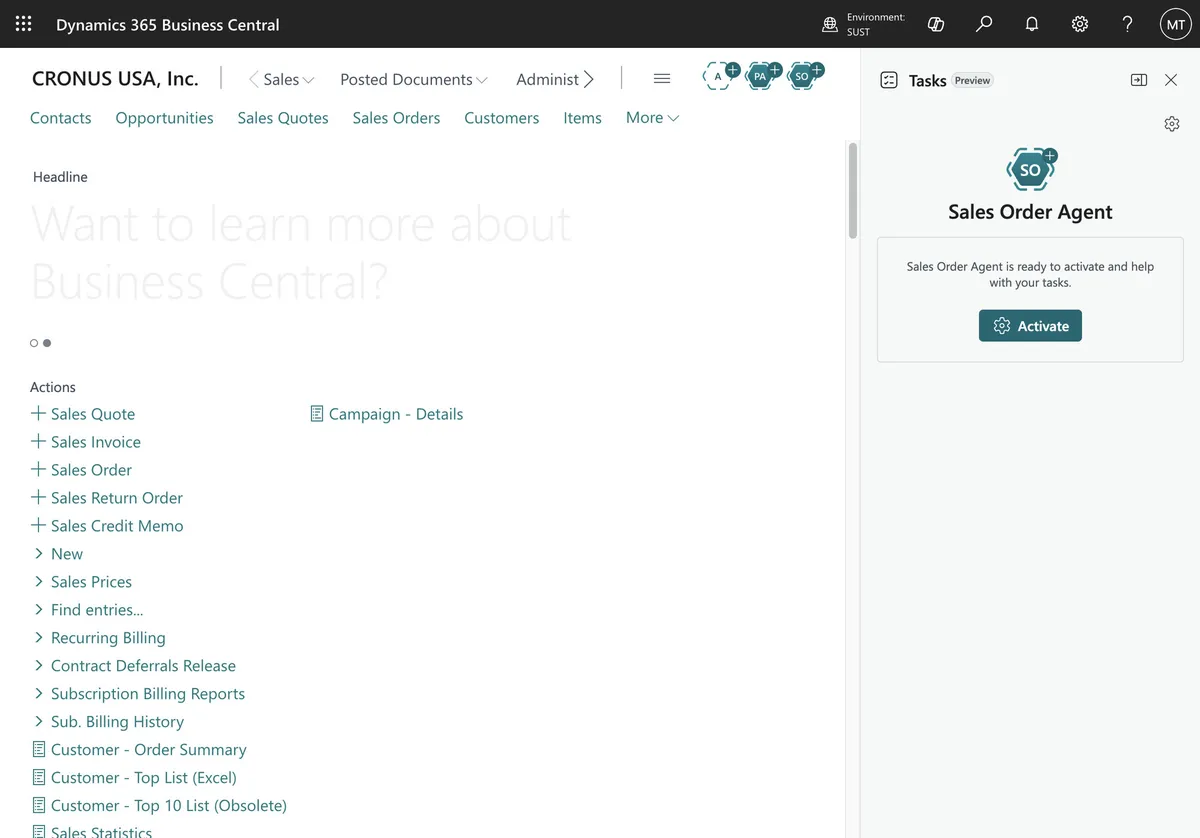
Expense Agent — The Big New Module
This was the standout feature of V28. It arrived in public preview with update 28.1 in May 2026, giving Business Central a fully integrated, AI-powered expense management module. It covers:
- Receipt capture and upload via browser or mobile app (mobile capture entered public preview on 1 July 2026)
- AI categorization and itemization — Copilot reads the receipt, extracts line items, and maps them to G/L accounts
- Mileage and per diem tracking built in
- Approval workflows with configurable rules
- Automated reimbursement posting directly in BC — no external expense tool, no double entry
For mid-market companies that have been limping along with manual expense reports (or paying for Concur on top of BC), this is a genuine cost saver. One less integration. One less monthly SaaS bill.
Travel requisitions were also in the wave 1 plan, pencilled in for a September 2026 preview. They arrived with version 29 as travel requests, a production-ready preview that you manage inside Business Central; in version 29 they aren’t available in the Expense Agent web or mobile app.
One status note: the release plan had targeted general availability of expense reports for October 2026, but in version 29 Microsoft still labels expense management and the Expense Agent a production-ready preview.
Payables Agent — Steady Improvements
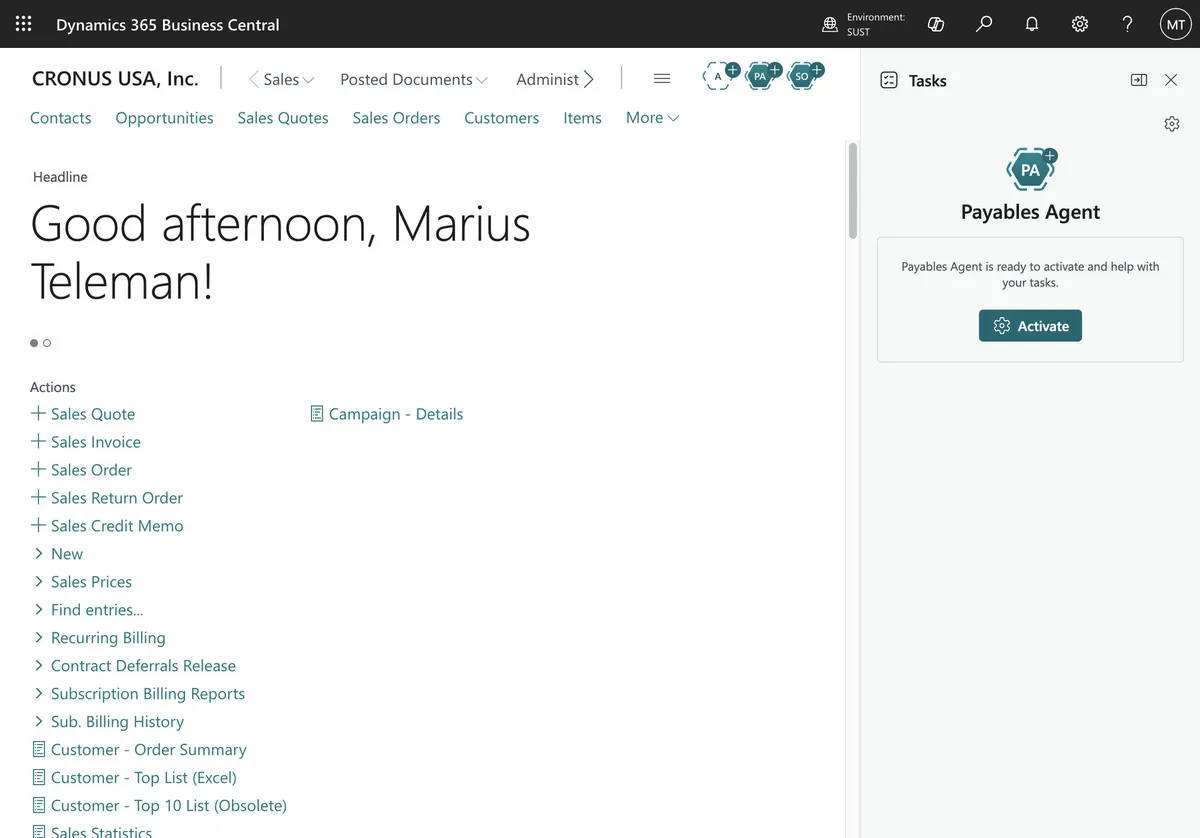
The Payables Agent has been generally available since November 2025. During the V28 cycle it gained:
- Supervisor visibility — you can see which emails have been processed by the agent, with a consolidated task pane for agents
- A trial without email setup — try the agent for free before you connect a mailbox (July 2026)
- Known Senders — faster processing for invoices from known senders (August 2026)
- Inline agent reasoning — reviewers can see why the agent coded a line to a specific account, directly on the relevant page
Microsoft validates and supports the agent in English only; it can be used in other languages, but results may vary. Purchase order matching on line amounts and expected receipt dates followed in version 29.
Agent Builder — Build Your Own
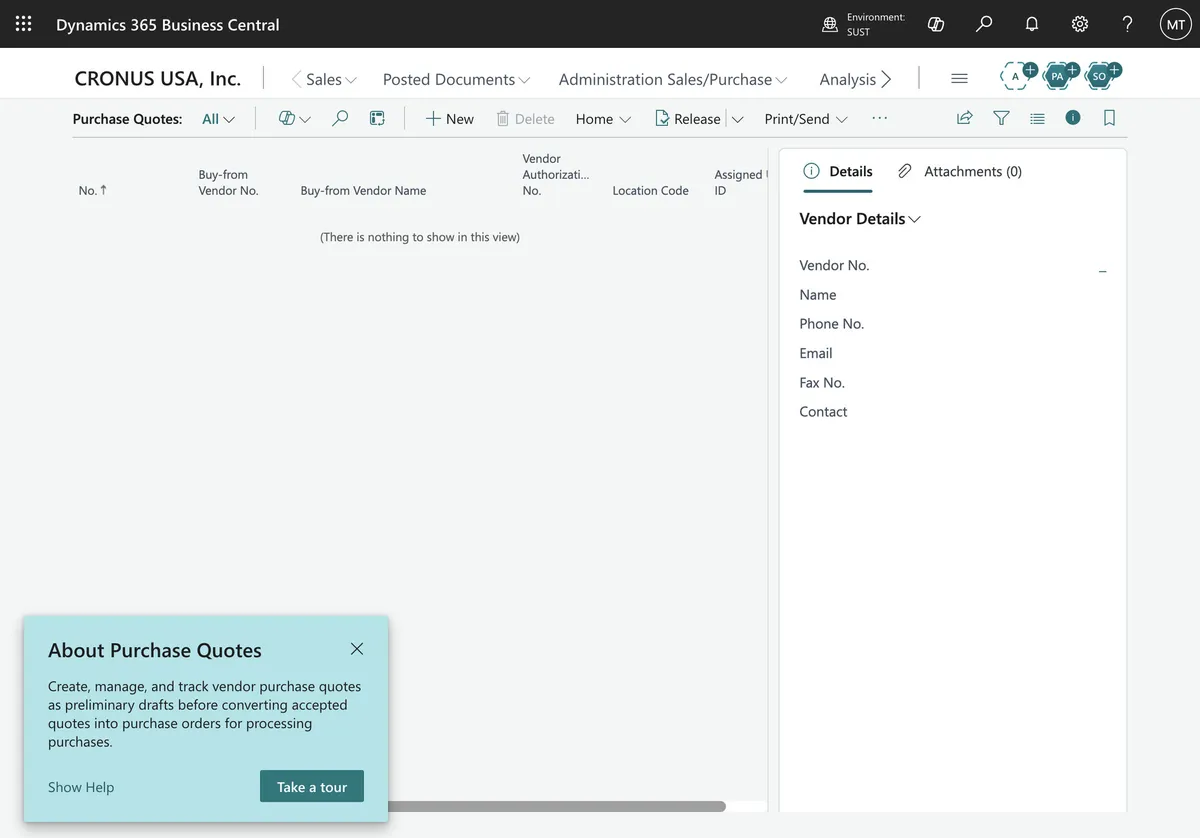
For organizations with genuinely unique workflows, two pieces matter. AI resources for Copilot extensions, in public preview since June 2025, let partners build Copilot features on Microsoft-managed AI infrastructure instead of provisioning and maintaining their own Azure OpenAI deployment; the wave 1 plan targeted general availability for September 2026. And the agent designer, for prototyping custom agents, has been available on production environments since update 28.1.
Practical use cases: bank reconciliation edge cases, contract invoice coding, vendor onboarding automation.
Other Copilot Improvements
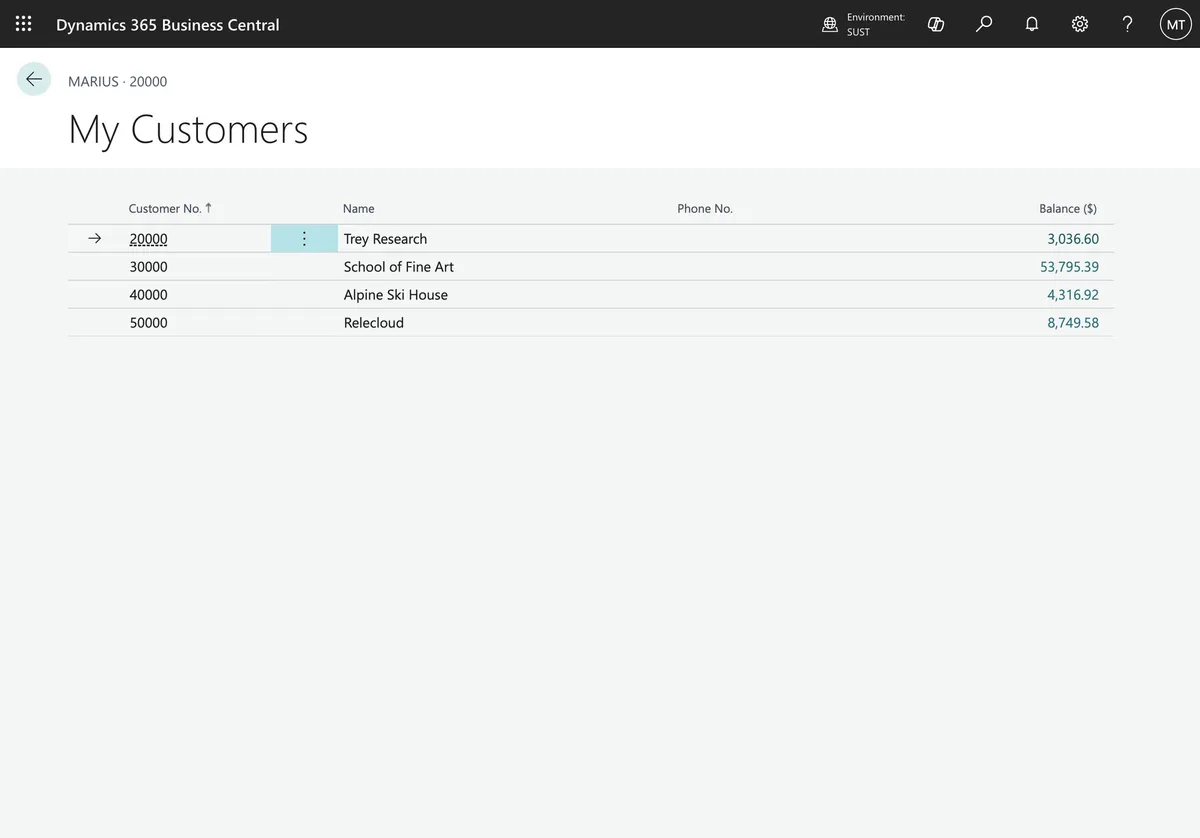
- Item insights with advanced KPIs and summaries — Copilot generates natural-language summaries of inventory performance, turnover, and margin, no Power BI report required
- Avatars for record creators and modifiers — at a glance, you can see if a record was created by a human or an agent (small change, significant audit implications)
- Multi-model flexibility — agents can now run on different AI models, and you can choose which model each agent uses
- Kill switch — stop all active tasks for a selected agent with one action
Core ERP: The Gaps That Finally Closed
Not everything in V28 is about AI. Some of the most impactful changes are long-overdue fixes to core ERP workflows.
Drop Shipment Independence
This is the kind of change that doesn’t make headlines but makes finance teams cheer. Previously, you couldn’t invoice a vendor for a drop shipment until you’d invoiced your customer — forcing awkward cash-flow-damaging sequencing. That constraint is gone.
- Create purchase orders from drop shipments — integrated with the Order Planning page
- Post purchase invoices for drop shipments independently of related sales invoices
- Reverse drop shipments when neither document is invoiced — a much-needed correction mechanism
Multi-Line Invoice Matching
The Get Order Lines action lets you pull lines from multiple orders and receipts into a single invoice, with the system tracking matched quantities at line level via new Matched Invoice Lines and Matched Order Lines fields.
Quality Management
Quality Management gets Word report layouts as the default for Certificate of Analysis, Non-Conformance, and General Purpose Inspection reports. Plus demo data (Contoso Coffee) and a role-specific checklist for quality managers.
Electronic Documents
- E-invoicing in France — public preview in June 2026, generally available since August 2026
- Australian Payment Times Reporting compliance built in
- UK Payment Practices supported
- E-Document framework supports payments (generally available since August 2026)
Financial Management Improvements
Several financial capabilities landed during the V28 cycle:
- Excise tax calculations for applicable jurisdictions
- Investment Boost support for fixed assets — generally available since May 2026
- Self-billed invoices — public preview in 28.0, generally available since June 2026
- Withholding tax calculations for vendors — public preview in 28.0
- Fixed asset accelerated depreciation — public preview from June 2026; in version 29 it’s an optional Feature Management key you turn on yourself
Reporting and Analytics
Financial Reporting Overhaul
Financial report management gets a significant upgrade:
- Automated report scheduling and distribution — reports run automatically, delivered via email, Excel, or PDF
- Global and report-level formatting — negative number display, logo placement, export settings
- Audit logs for report usage — who ran what, when, and where it went
- Lifecycle management — reports can be set as draft, approved, or archived, with access controlled by status
Analysis Mode Expands
- Deeper analysis directly in list pages — slice, pivot, and analyze without exporting to Excel
- More prebuilt analysis views across sales, finance, and inventory modules
- Word and Excel layout improvements — easier data mapping and filtering for business users
New APIs
- Approval workflow analysis APIs — for auditors and IT
- Permission analysis APIs — compliance assessments
- Document report PDF API — programmatic access to generated reports

Developer and Admin Improvements
For partners and developers, V28 delivered:
- Enhanced MCP server for agentic experiences — agents get better access to Business Central functionality with improved telemetry and audit logs
- AI resources for Copilot extensions — partners build Copilot features on Microsoft-managed AI infrastructure (public preview)
- Data analysis definitions in apps — developers can define analysis views in their extensions
- More secure outgoing HTTP calls by default — security hardening
- ALTool features — improved testing, debugging (including agent session debugging), and Copilot extensibility
- Evaluation framework for Copilot and agents — test and validate agent behavior before production deployment
What This Means for Your Business
If you’re a mid-market company running Business Central (or evaluating it), V28 should shift your thinking on a few things:
-
AI agents are no longer optional research. The Expense Agent and Payables Agent solve real problems — manual data entry, invoice processing, expense reporting — that cost your team hours every week. If you’re not at least evaluating them, a competitor is.
-
The expense management module eliminates a third-party SaaS cost. If you’re currently paying for Concur, Expensify, or similar, run the numbers. For a 50-person company, the savings could be thousands per year.
-
Drop shipment and multi-line matching matter for procurement-heavy businesses. If your supply chain involves drop shipping or consolidated invoicing, these aren’t “nice to haves” — they’re workflow correctness issues.
-
Developer tooling is catching up. If you’ve been hesitant about custom extensions, the improved debugging, testing, and agent-building capabilities lower the barrier.
-
Partner readiness still matters. V28 is feature-rich, but getting value from Expense Agent configuration, Payables Agent setup, and Copilot extensibility requires expertise. This is where your BC partner earns their keep — configuring the agents for your workflows, not the generic demo ones.
Getting Started with V28
V28 (update 28.0) became generally available on 1 April 2026, followed by monthly minor updates. The update window for online environments ended on 31 August 2026, and new environments have been created on version 29 since it became generally available in October 2026.
If you’re on-premises or running an older version, the upgrade path is through your partner, and today that means planning for version 29 rather than 28. Our wave 2 guide covers what it adds.
Want to understand what V28 means for your specific environment — agents, expense management, or the financial reporting overhaul? Book a free discovery call and we’ll walk through it.
Vanguard 360 Solutions is a Microsoft Dynamics 365 Business Central partner and LS Retail Gold Partner based in Romania, serving clients across Europe, the UK, UAE, and Saudi Arabia. Our work includes LS Central across 120+ stores in Romania, Pharmacy for LS Central across 100+ pharmacies in Norway, and the architecture for a 700-store retailer in 13 countries.
Where to next
Microsoft Dynamics 365 Business Central
The overview: modules, who it fits and how to start
Microsoft Is Retiring Release Plans: How to Track Business Central Updates Now
What's New in Business Central 2026 Release Wave 2 (V29): Unified Copilot, Smarter Agents, Faster Tables
What Is Dynamics 365 Finance and Operations? Complete Guide
Not sure if you're ERP-ready?
Take our 2-minute ERP Readiness Scorecard. No sign-up needed.
Take the scorecardGet BC insights in your inbox
Practical tips, never spam.